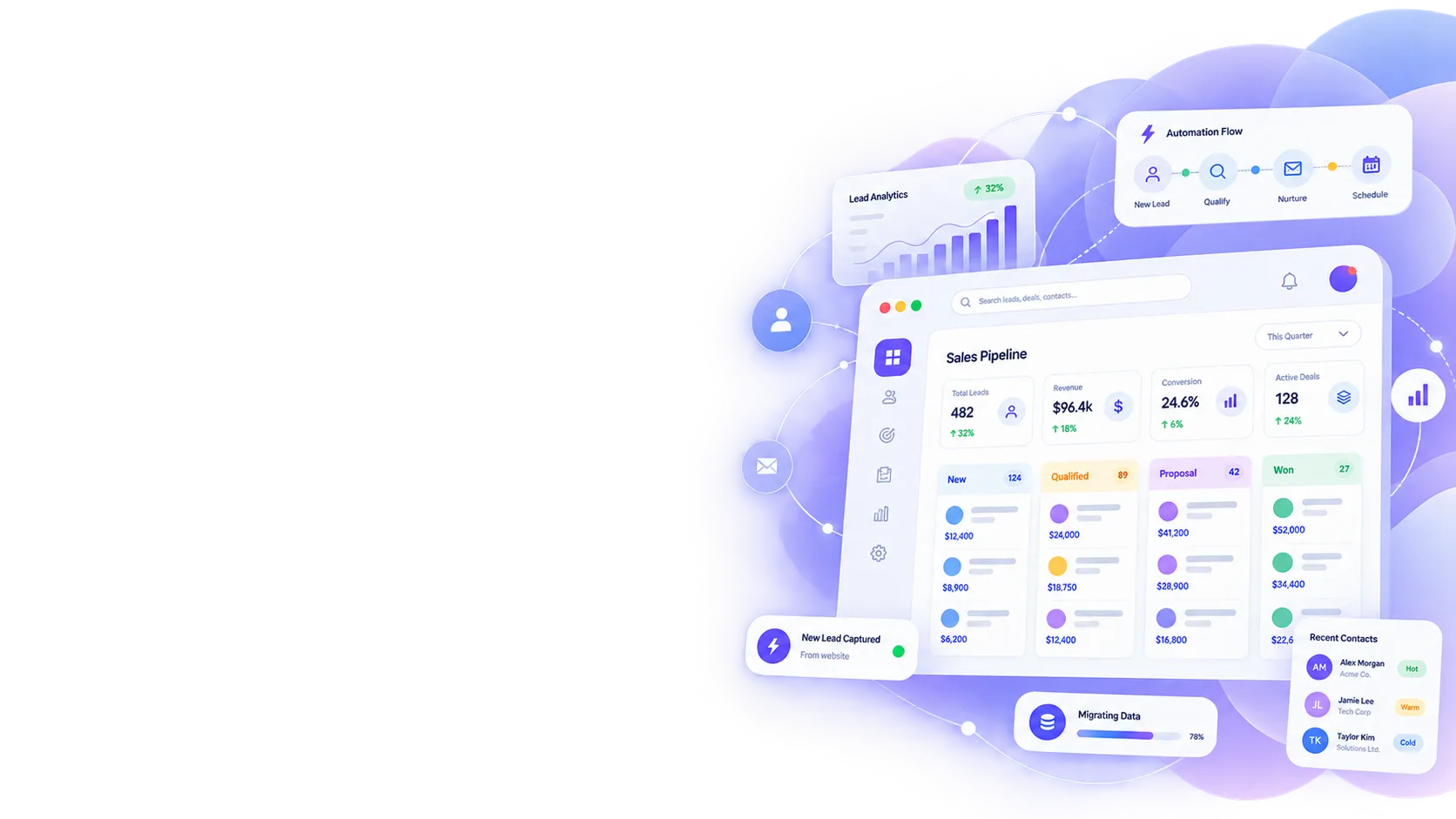
CRM Automation Services
Most CRMs get set up once and never used properly again. We automate the CRM you already have, so leads move through your pipeline, follow-ups happen on their own, and your team stops doing by hand what the software should already be doing.
Trusted & reviewed by


 Business Firms
What Is CRM Automation?
CRM automation means setting up rules inside a CRM so it takes action on its own: moving a lead to the next stage, sending a follow-up, assigning a task, or flagging a deal that's gone quiet.
It's different from buying a new CRM. If you already have one, whether we built it or not, automation is about making it actually work the way it was supposed to from day one, instead of sitting there as a database nobody updates.
What We Automate
Sales Pipeline Automation
Leads move between stages automatically based on rules you set, instead of someone manually dragging cards between columns.
Workflow Automation
Multi-step processes, approvals, and handoffs run inside the CRM itself, without someone remembering each step.
Automated Follow-Ups
A lead goes quiet, a follow-up goes out. A booking is coming up, a reminder gets sent. Nobody on your team has to remember to do it.
CRM Email Automation
Sequences trigger based on what a lead actually does, not a fixed schedule that ignores their behavior.
CRM Document Automation
Contracts, invoices, and proposals generate directly from CRM data instead of being built manually each time.
Lead Nurturing Sequences
Leads that aren't ready to buy yet stay warm on autopilot, instead of falling out of the pipeline.
CRM Automation vs Marketing Automation: What's the Difference?
This is one of the most common questions we get, and the confusion is fair. Here's the real difference.
What it acts on
CRM Automation
Individual leads and deals already in your pipeline
Marketing Automation Software
Broad audience segments and campaigns
Typical trigger
CRM Automation
A specific action a lead takes (status change, form fill, missed follow-up)
Marketing Automation Software
A scheduled send or a campaign-wide rule
Where it lives
CRM Automation
Inside the CRM your sales team already uses
Marketing Automation Software
A separate marketing platform, often disconnected from sales
Best for
CRM Automation
Sales follow-up, pipeline movement, deal-specific workflows
Marketing Automation Software
Email newsletters, broad campaigns, top-of-funnel nurturing
Most businesses need both eventually. We usually recommend starting with CRM automation first, since it directly affects deals already in progress, before adding a separate marketing automation layer.
CRM Automation We've Built
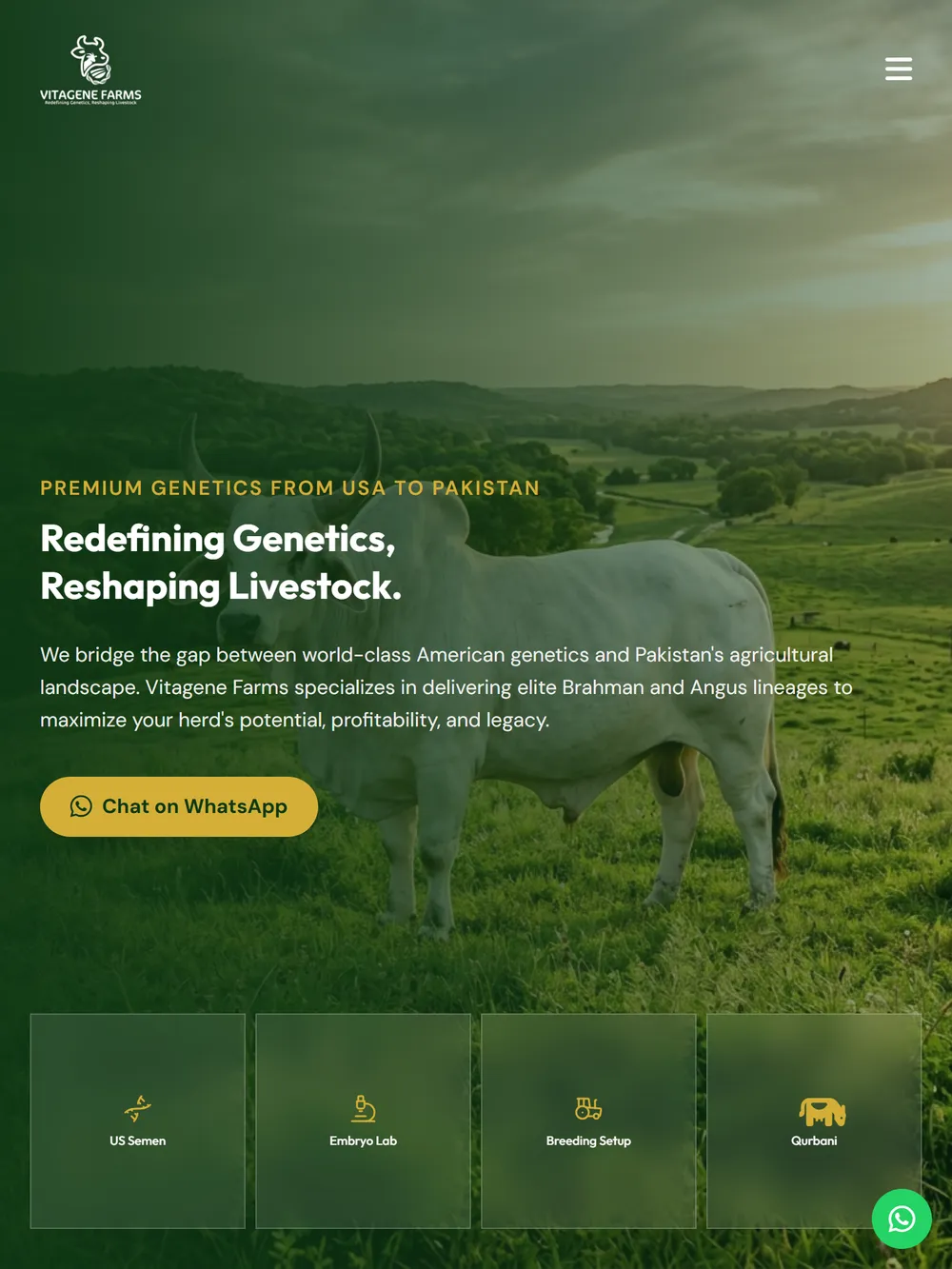
Vitagene Farms
Every website inquiry and newsletter signup lands automatically in a stage-tagged lead pipeline, replacing manual tracking across five social platforms.
View Case Study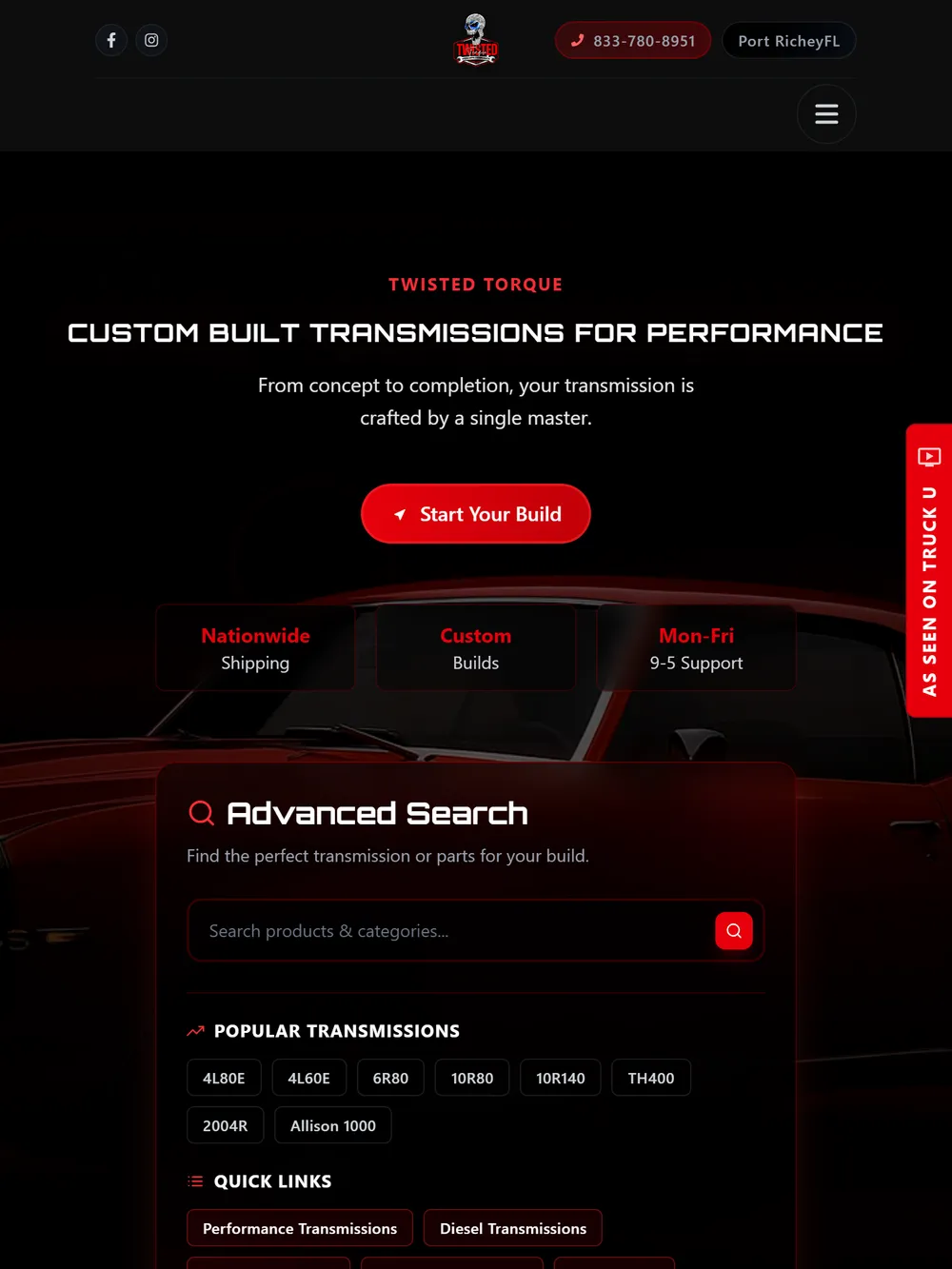
Twisted Torque
Automated abandoned-cart recovery built into the same platform that runs orders and customers, surfacing over 100 recoverable sales opportunities.
View Case StudyHow Much Does CRM Automation Cost?
It depends on how many workflows you need automated and how complex your current pipeline already is. Automating a single follow-up sequence is a different scope than rebuilding an entire sales process. We scope it after we see how your CRM is actually being used today.
Free CRM Audit
We look at your current CRM and pipeline, and tell you honestly what's worth automating first.
Automation Plan
We map the exact workflows, triggers, and rules that fit how your team actually sells.
Transparent Quote
One fixed number, no hidden fees.
If your CRM setup is already solid and automation won't move the needle much, we'll tell you that too.
Book Your Free CRM AuditHow We Automate Your CRM
- 01
CRM Audit
We review your current setup and find where manual work is slowing your team down.
- 02
Workflow Mapping
We plan the exact automation rules before touching anything live.
- 03
Build
Automations get built and tested against real data, not a demo account.
- 04
Testing
We confirm every trigger fires correctly before anything goes live for your team.
- 05
Launch
Your team gets trained on what changed and why.
- 06
Support
Workflows get adjusted as your sales process evolves. Automation isn't a one-time setup.
- 01
CRM Audit
We review your current setup and find where manual work is slowing your team down.
- 02
Workflow Mapping
We plan the exact automation rules before touching anything live.
- 03
Build
Automations get built and tested against real data, not a demo account.
- 04
Testing
We confirm every trigger fires correctly before anything goes live for your team.
- 05
Launch
Your team gets trained on what changed and why.
- 06
Support
Workflows get adjusted as your sales process evolves. Automation isn't a one-time setup.
Our stack
Technologies and Platforms We Use
- Next.js
- React
- Laravel
- MySQL
- GoHighLevel
- Zapier
- Cloud Deployment
- Next.js
- React
- Laravel
- MySQL
- GoHighLevel
- Zapier
- Cloud Deployment
Questions, Answered.
Everything you need to know about building a custom CRM. Can't find what you're looking for? Feel free to reach out directly.
Any CRM. Whether we built it, or you're already running Salesforce, HubSpot, GoHighLevel, or something else, we can automate workflows inside it.
A lead fills out a form, gets tagged by source, assigned to the right rep, and receives a follow-up email within minutes, all without anyone touching it manually. That's a single automated workflow, and most businesses need several.
No. Marketing automation runs broad campaigns to an audience. CRM automation acts on individual leads and deals already in your pipeline. See the comparison above for the full breakdown.
The core automation logic is similar, but the workflows differ. A financial advisor's pipeline has compliance-driven follow-up timing, while a homebuilder's pipeline tracks a longer sales cycle with site visits and permits. We scope workflows to your actual industry, not a generic template.
No. Automation removes the manual, repetitive parts of the process so your team spends time on the leads that actually need a human.
Both, depending on what your CRM already supports. Sometimes the built-in automation tools are enough with the right configuration. Other times we build custom logic on top.
Still have questions?
In-house team, no outsourcing. Replies within 2 hours.
Pairs Well With
Is Your CRM Actually Working for You?
Tell us what your team is doing manually today. If automation is the right fix, we'll scope it. If it isn't, we'll say so.
- Call us+1 (909) 348-1249
- Email usinfo@nexgendesigners.com
- No pressure30-min call / no obligation